Nine-slice UI kit
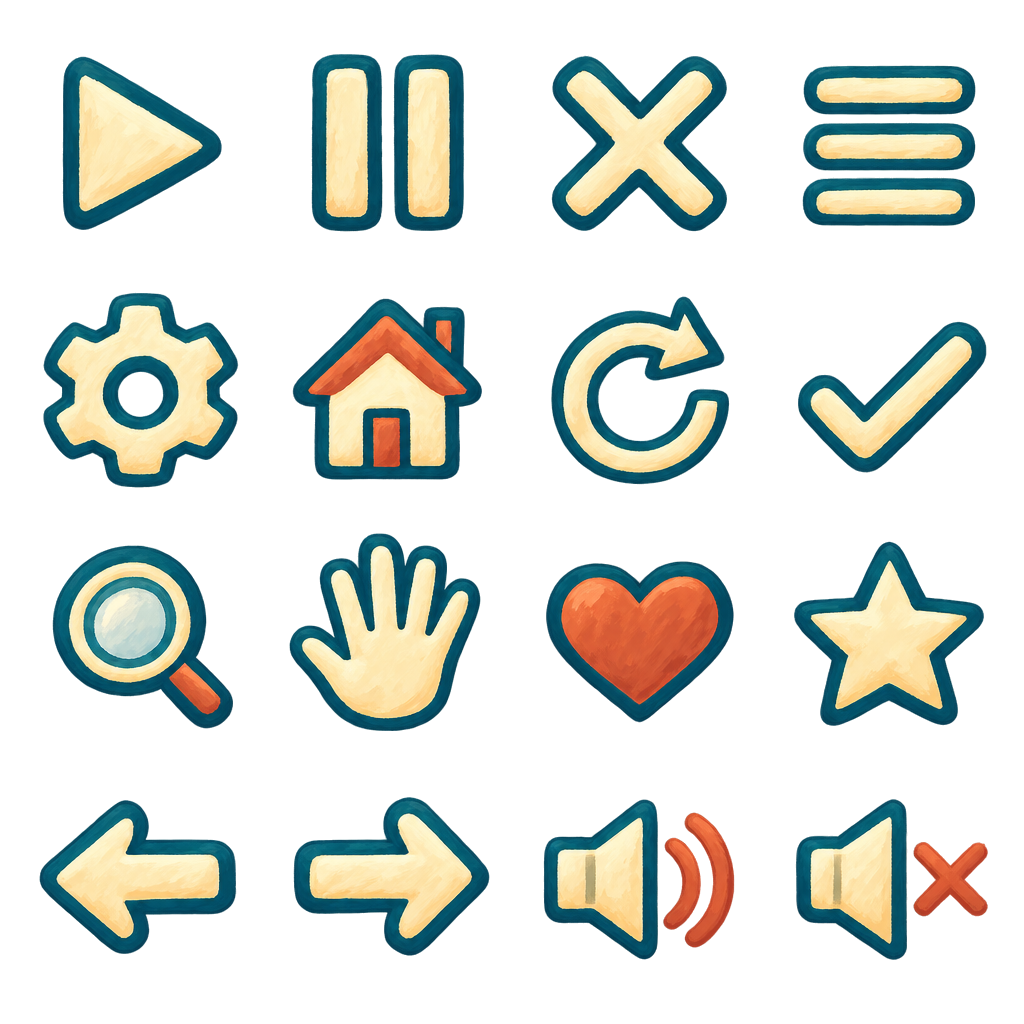
Generate a coordinated nine-slice panel, four button states, and a sixteen-icon sheet.
Visual directionNine-slice interface kit
The meadow is waiting.
Pack a few essentials, take the long way home, and see what the afternoon brings.
Kindness packed
Your next small adventure starts here.
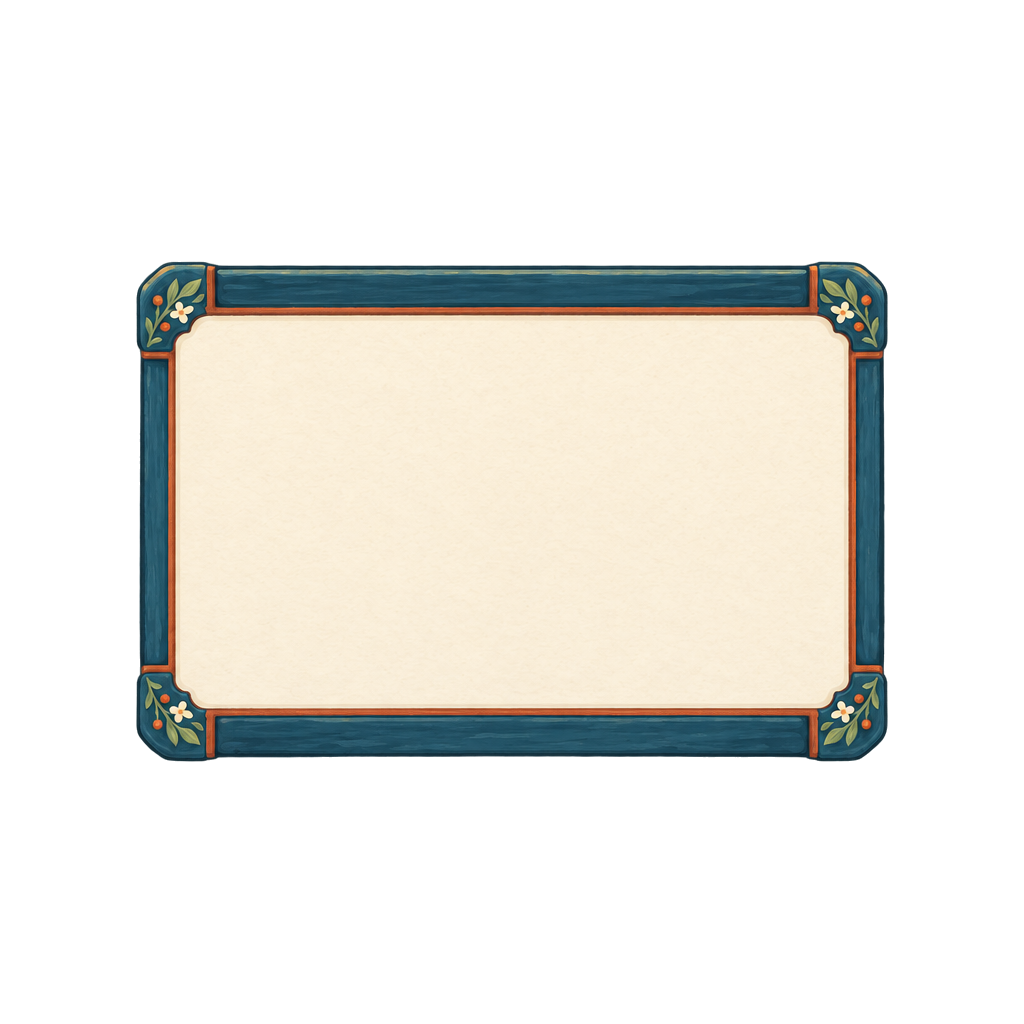
Drag the corner to resize the frame. Text and controls stay live; the generated sheets supply the artwork.
Sixteen icons
heart
Four button states
Make it yours
Give your agent the brief, author a workflow, or start by using the finished assets.
FX guide Workflow source 1this meadow as the visual reference, validate the sheet geometry, and preserve independent review verdicts. Deliver measured insets and cells so the UI can resize without redrawing its corners. Plan offline before asking for a live generation ceiling.
Build an FX workflow for a small interface kit: a nine-slice panel, four aligned button states, and sixteen icons. Use this meadow [1] as the visual reference, validate the sheet geometry, and preserve independent review verdicts. Deliver measured insets and cells so the UI can resize without redrawing its corners. Plan offline before asking for a live generation ceiling.Paste into your agent. Copy includes text and reference links; attach your own files to make it yours.
The template holds the shape
How it comes together
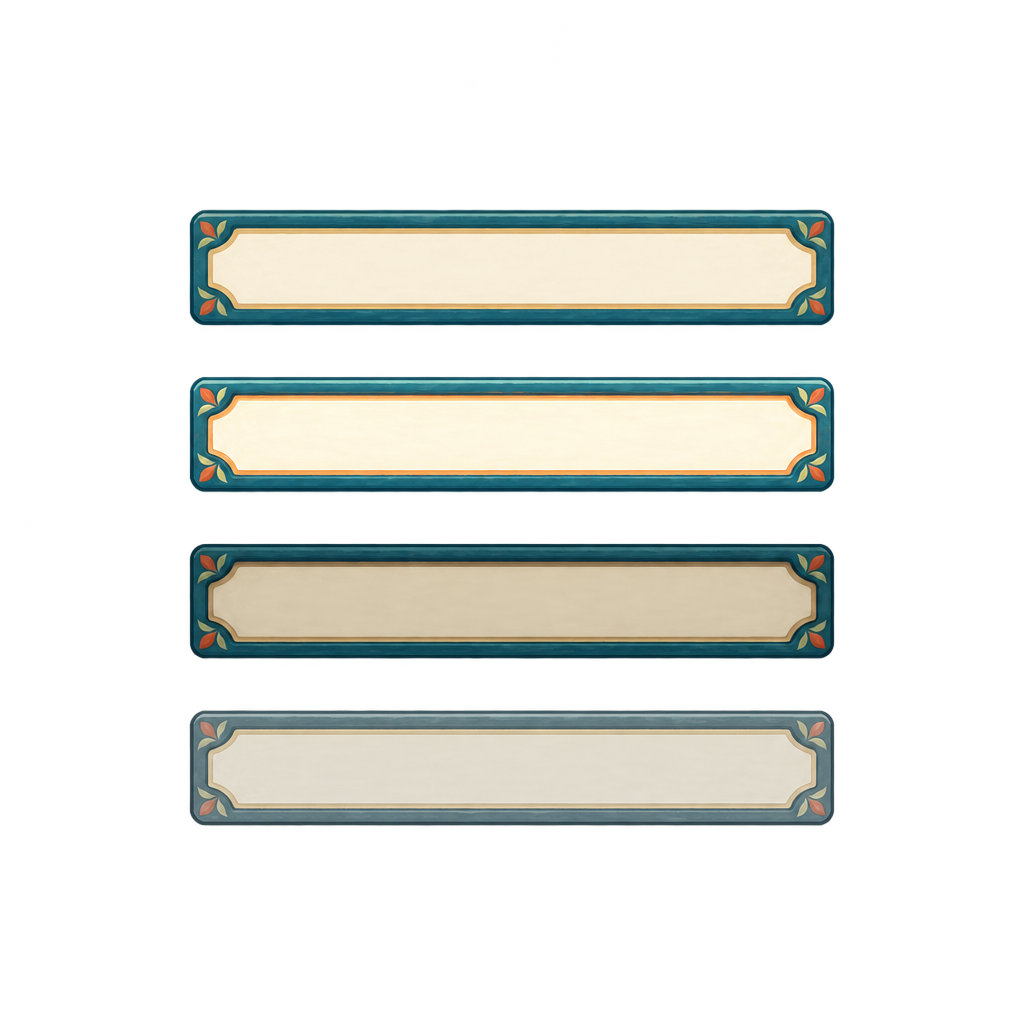
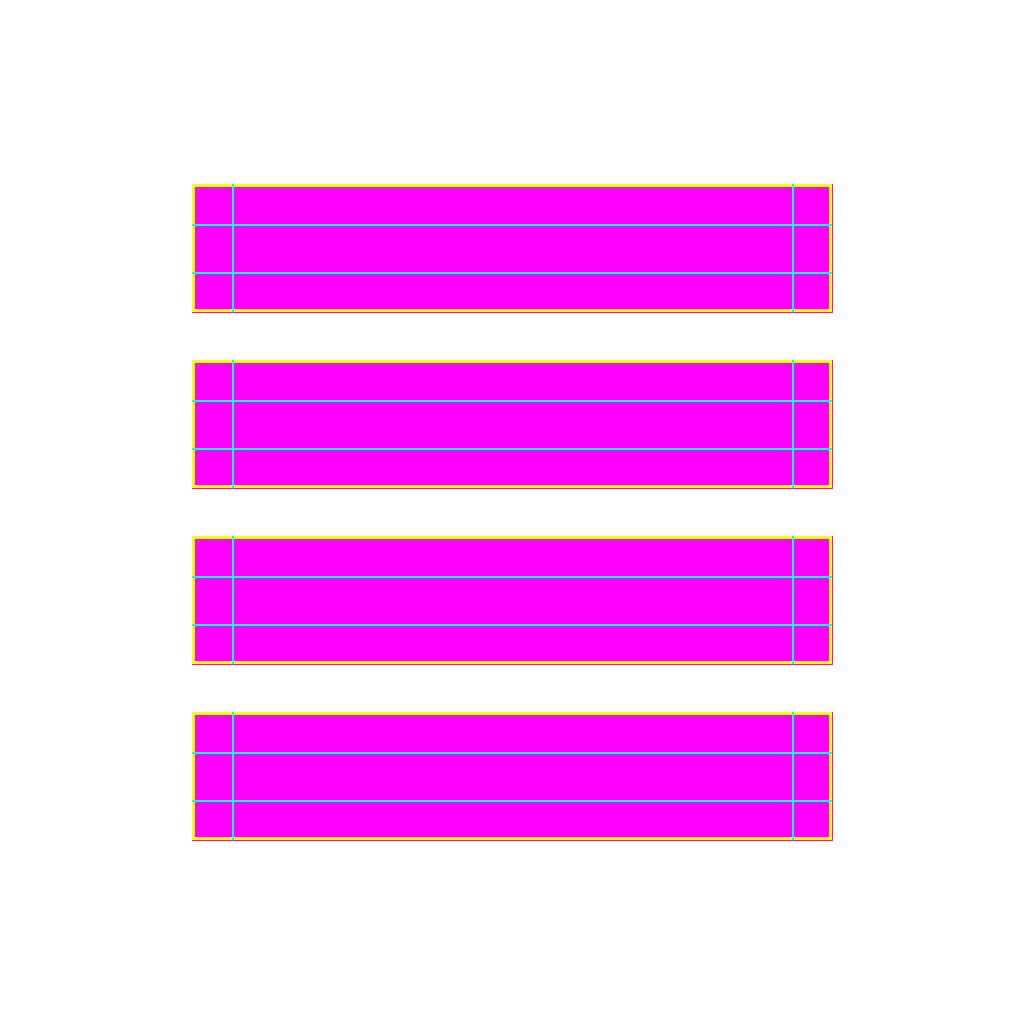
Interface art has to survive interaction. A panel needs corners that stay crisp as it grows; a button needs states that line up. This workflow draws and validates those sheets, then hands a renderer the measured cells and insets. Try the same art at different sizes below.
01
Specify
Define panel, button, and icon roles before drawing.
02
Draw
Generate a coordinated kit from one visual direction.
03
Measure
Validate cells, corners, insets, and button-state geometry.
04
Use
Render the nine slices and try the kit's real interaction states.
Take it from here
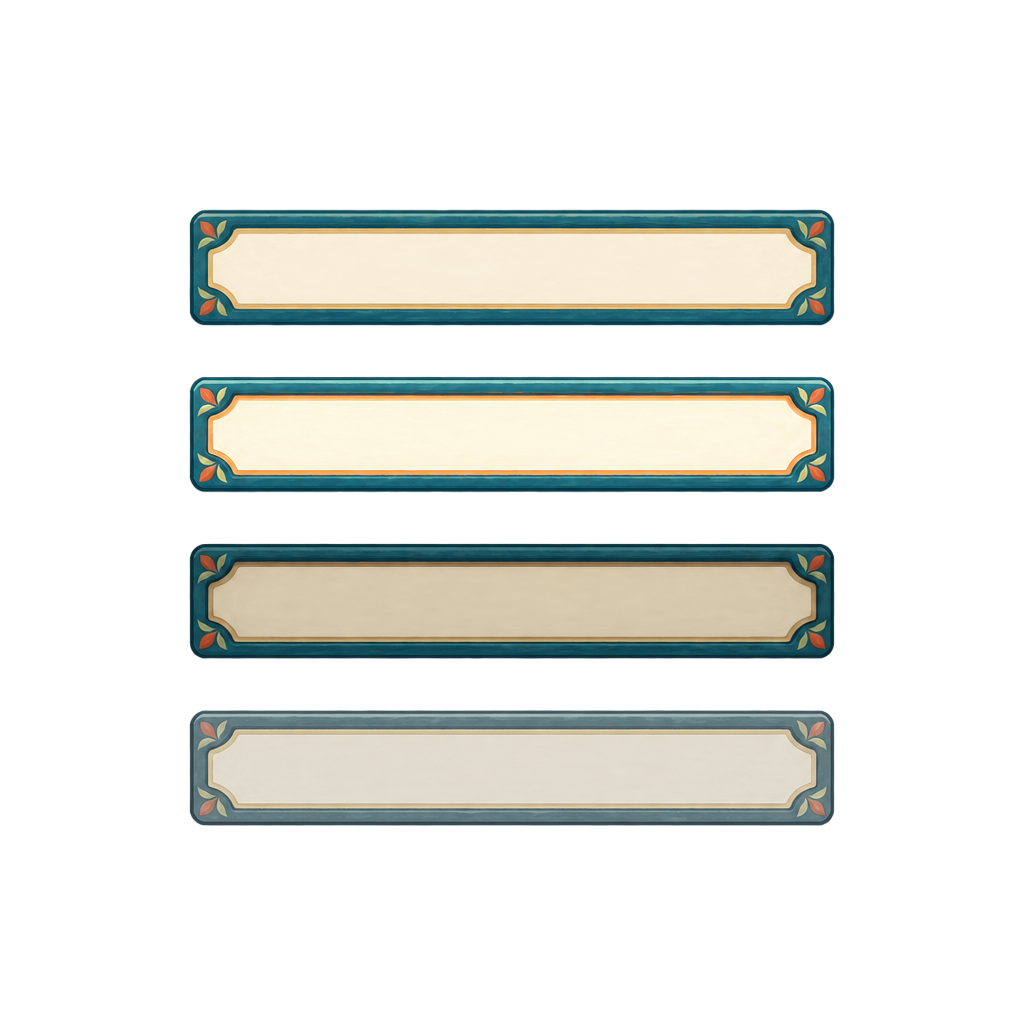
Real files from this run. Use them in your own renderer, prototype, or engine.
A good fit for
- Small coordinated interface kits
- Panels that resize through measured nine slices
- Consistent pointer, keyboard, and disabled button states
Production notes
The panel and buttons passed the workflow's judge. The icons are retained as a study because their palette differs from the requested direction.
Demo manifest