Facial animation patches
Generate independent eye and mouth states as reusable patches, aligned to the original character image.
High-resolution face imageSix reusable face patches

Eyes and mouth are independent patches. The original transparency stays intact.
Loading preview…
Make it yours
Give your agent the brief, author a workflow, or start by using the finished assets.
FX guide Workflow source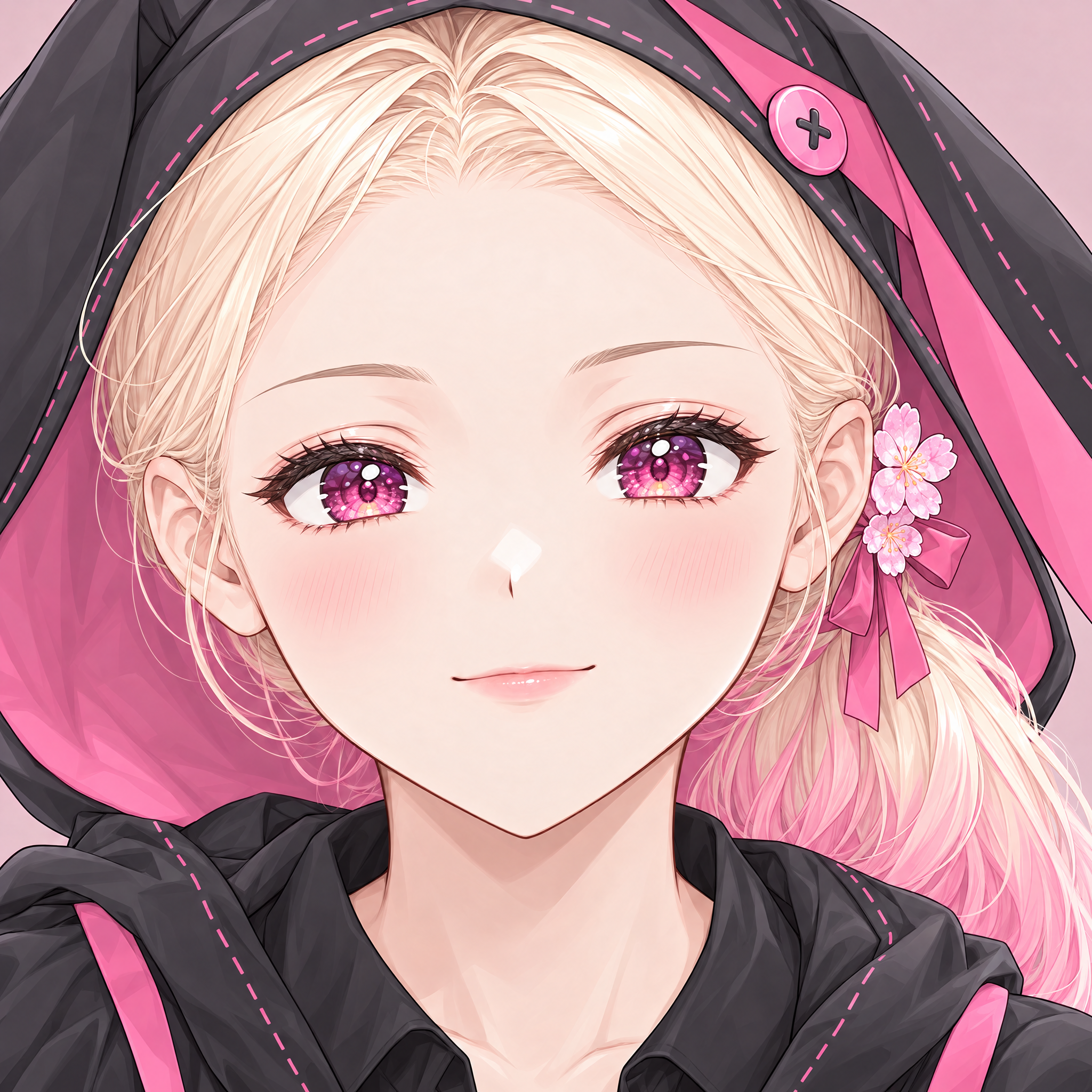 1this face image. Find the face automatically, keep the source pixels outside each patch unchanged, and preserve the original alpha. Deliver native patches, offsets, and a small state manifest. Show me every combination and the animation. Plan offline before requesting a provider budget.
Build an FX workflow that adds independent eye and mouth states to this face image [1]. Find the face automatically, keep the source pixels outside each patch unchanged, and preserve the original alpha. Deliver native patches, offsets, and a small state manifest. Show me every combination and the animation. Plan offline before requesting a provider budget.Paste into your agent. Copy includes text and reference links; attach your own files to make it yours.
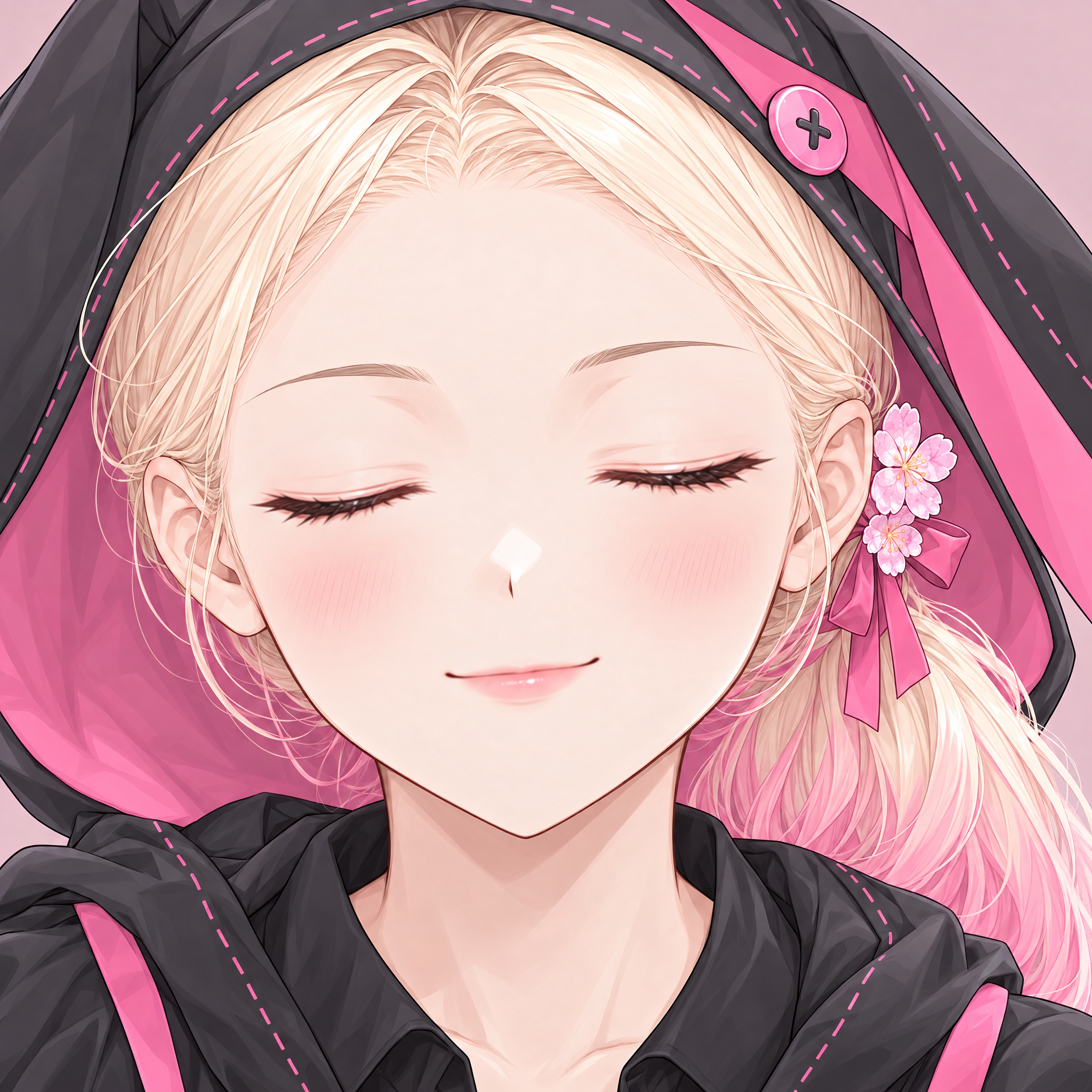
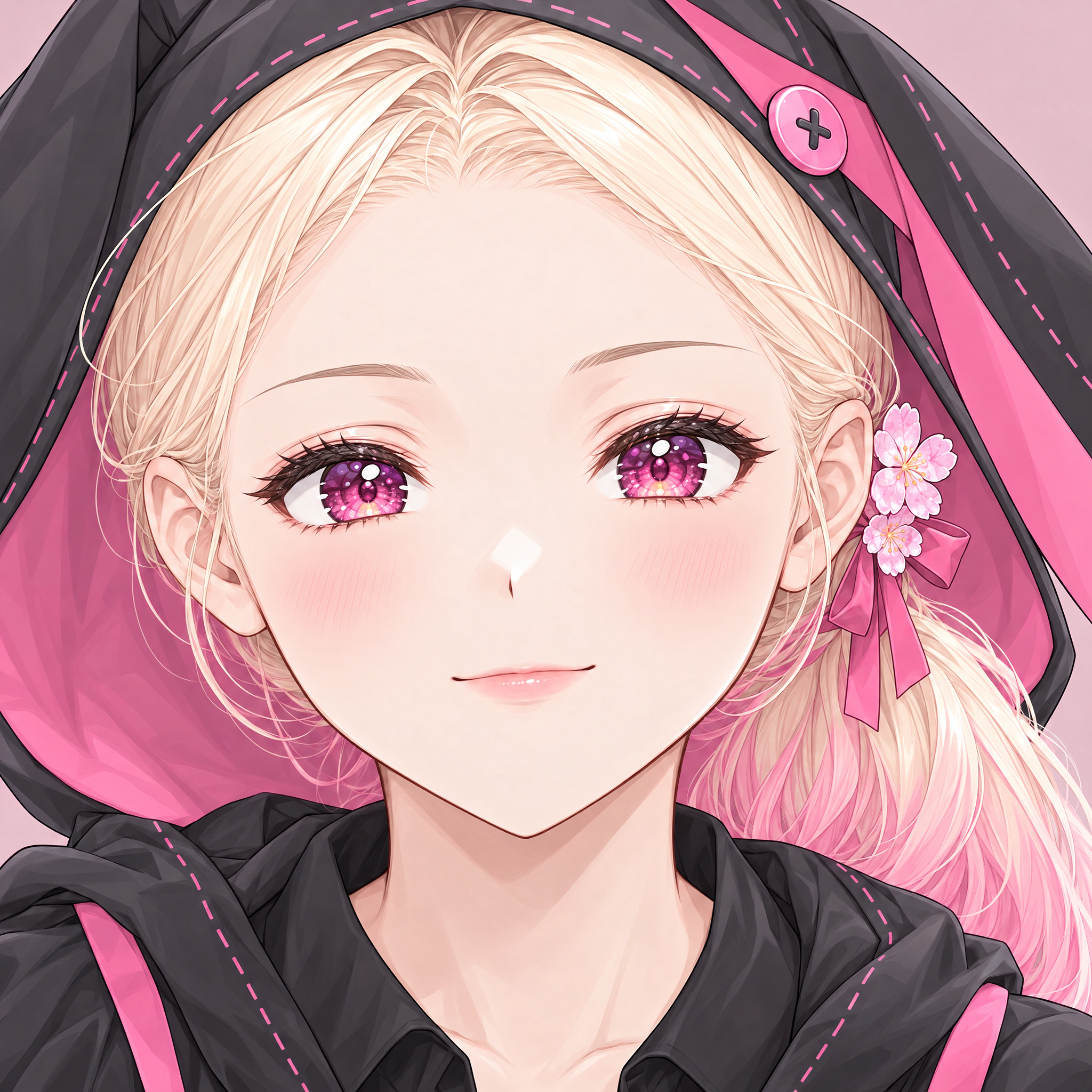
Small patches, new expressions
How it comes together
A blink should change the eyes, not redraw the character. Starting with a native face crop, this workflow draws independent eye and mouth states, aligns them, and returns reusable patches. The surrounding pixels and original alpha stay intact.
01
Locate
Find the face and create a workspace without losing its original position.
02
Draw
Generate eye and mouth states together in a controlled sheet.
03
Register
Align each feature and check its boundaries against the source.
04
Compose
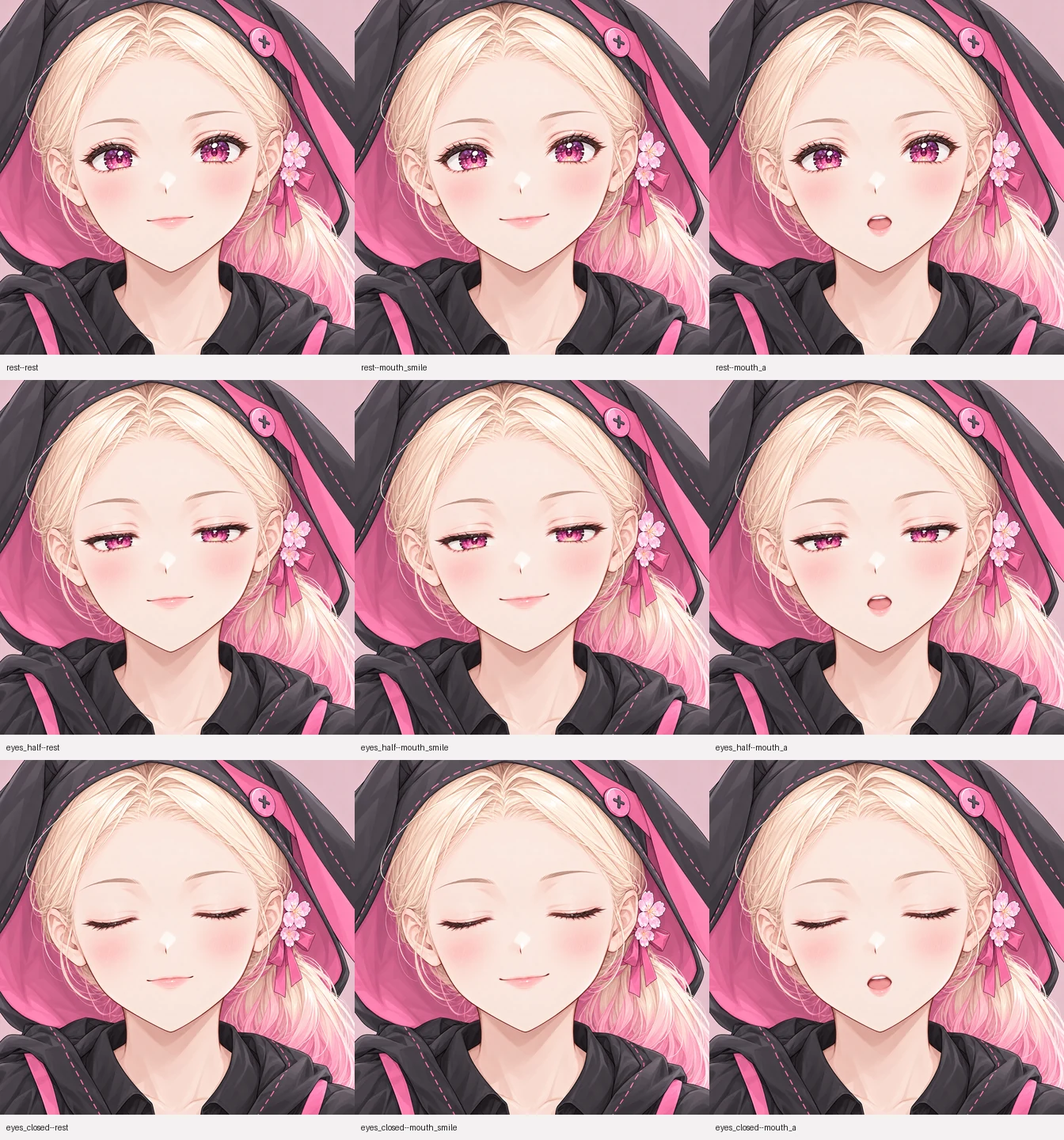
Return six native patches and verify all nine state combinations.
Take it from here
Real files from this run. Use them in your own renderer, prototype, or engine.
assets/face-manifest.json
Patch offsets, state choices, and the authored timeline.
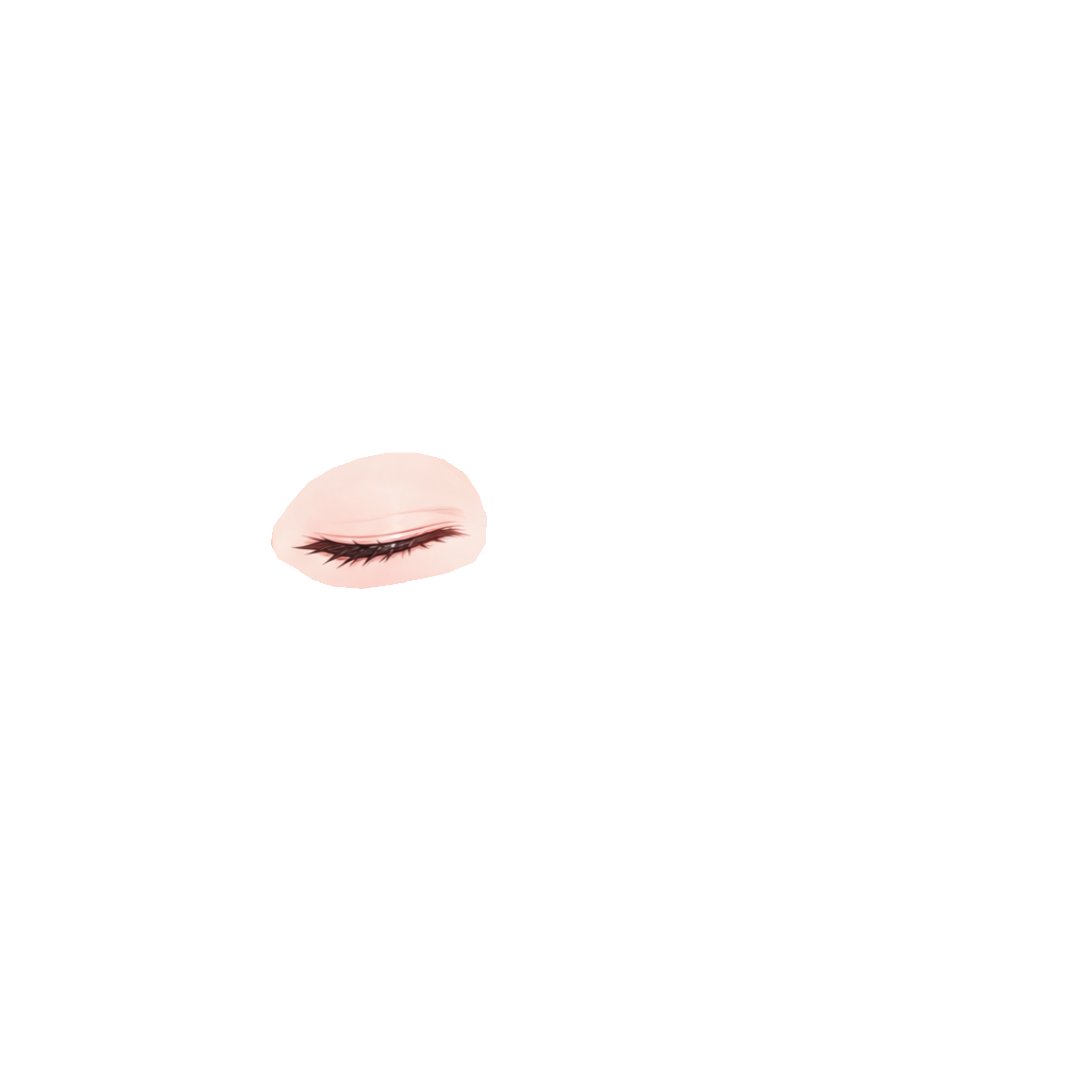
assets/patches/eyes_closed-canvas_left_eye.png
A native patch for the left eye's closed state.
assets/states-review.webp
The nine eye-and-mouth combinations side by side.
assets/animation.webp
The facial timeline as a full-size animation.
A good fit for
- Unobstructed open eyes and a closed resting mouth
- Independent blinks and simple mouth expressions
- Replacing only the selected facial features
Production notes
The timeline is authored for demonstration. No speech audio or lip synchronization is included.
Demo manifest