Transparent sprite loop
Animate a character illustration, remove the background, and finish a transparent idle loop.
Character illustrationTransparent idle loop

Loading preview…
Make it yours
Give your agent the brief, author a workflow, or start by using the finished assets.
FX guide Workflow source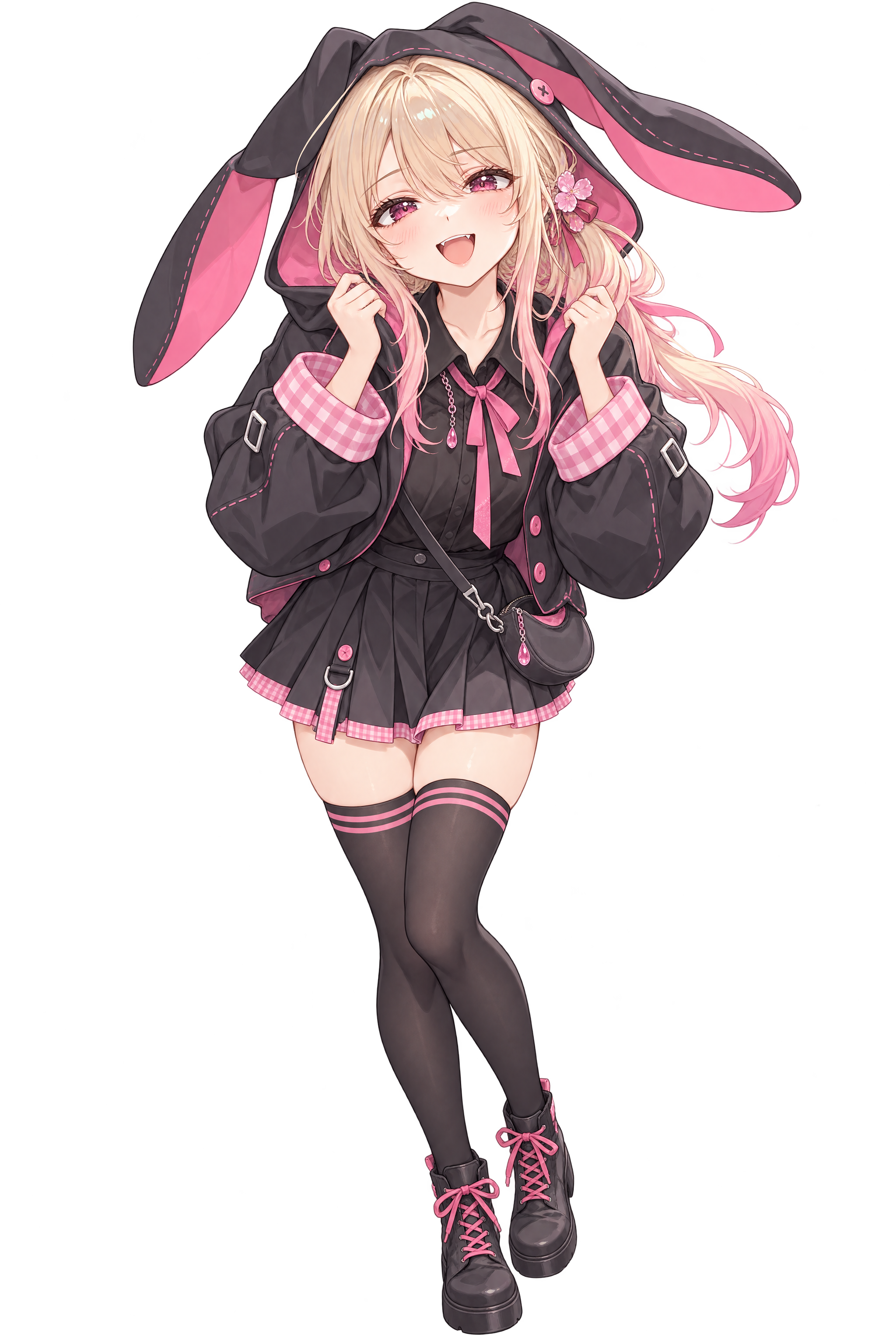 1this character into a repeating body idle with visible, coherent motion. Keep the camera fixed and leave room for the full silhouette. Plan offline, then ask me for a spending ceiling before generating a take. Show me the take before finishing it. Make keying, timing, and loop closure local steps so I can revise them without paying for another video. Deliver the transparent loop and its exact first frame.
Build an FX workflow that turns this character [1] into a repeating body idle with visible, coherent motion. Keep the camera fixed and leave room for the full silhouette. Plan offline, then ask me for a spending ceiling before generating a take. Show me the take before finishing it. Make keying, timing, and loop closure local steps so I can revise them without paying for another video. Deliver the transparent loop and its exact first frame.Paste into your agent. Copy includes text and reference links; attach your own files to make it yours.
How it comes together
Animate an illustration, remove its background, and close the loop. Generation and local finishing stay separate, so timing and keying can change without paying for another take.
01
Prepare
Fit the original character onto a flat green plate and write one motion brief.
02
Generate
Generate a six-second take with visible upper-body motion and room for the moving ears.
03
Finish
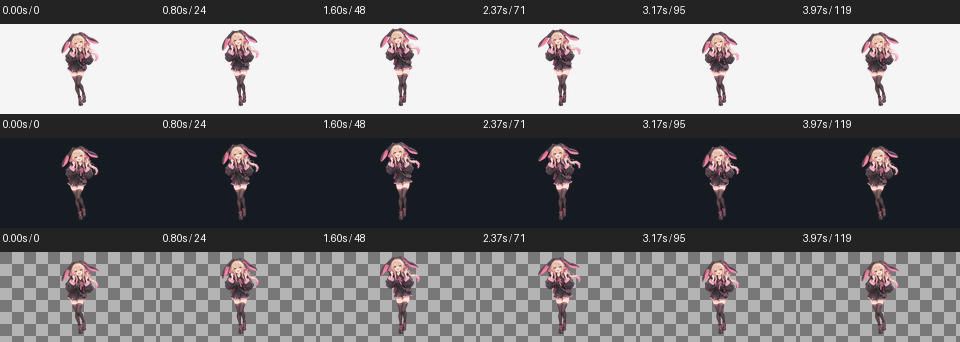
Keep the clean four-second motion cycle, remove green, and close the loop locally.
04
Reuse
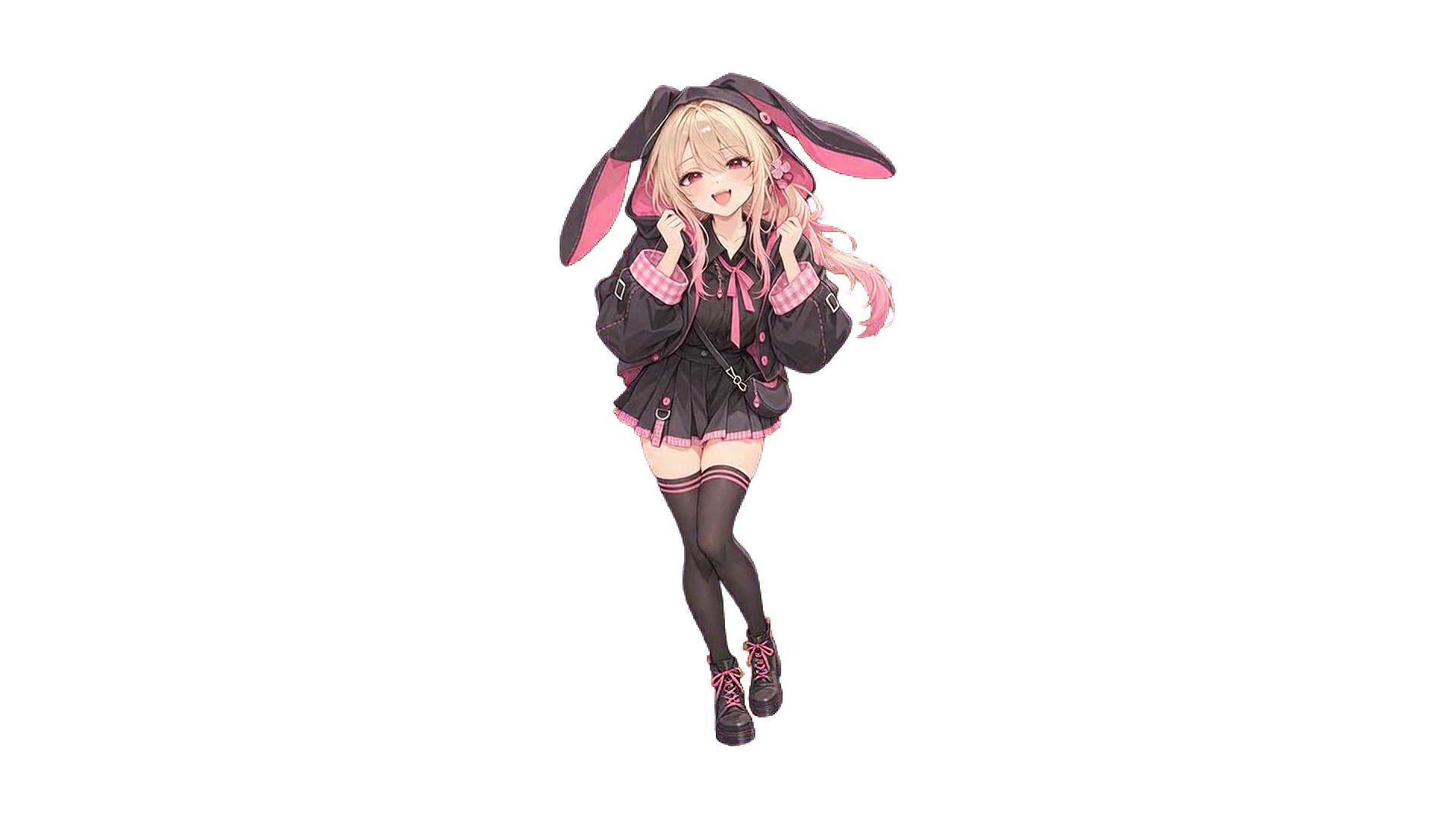
Deliver the transparent loop and its exact first frame for later compositing.
Take it from here
Real files from this run. Use them in your own renderer, prototype, or engine.
A good fit for
- Standing body motion with hair and clothing follow-through
- A fixed camera and a consistent full-body character
- Characters without green clothing or props
Production notes
A four-second body-motion loop with generated blinks. Trimming, keying and loop closure are local; no face hold is applied.
Demo manifest